Guide
How to cancel a free trial on iPhone before you're charged
If a free trial is billed through your Apple Account and you do not want it to become a paid plan, cancel it in Settings at least 24 hours before the trial ends. That 24-hour rule is Apple’s official guidance. The steps are short. The hard part is remembering. Subry can remind you before a trial ends; it does not cancel the trial for you.
When do I need to cancel so I am not charged?
Apple’s support page “Cancel a subscription from Apple” says: “If you signed up for a trial subscription and you don't want to renew it, cancel it at least 24 hours before the trial ends.”
Do not wait until the morning the trial expires. Leave a full day. The Subscriptions page for that item shows the date that matters — read it, then cancel before that deadline.
How do I cancel an App Store free trial on iPhone?
These are Apple’s steps for cancelling a subscription on iPhone, including a trial billed through the App Store:
- In Settings, tap your name.
- Tap Subscriptions.
- Tap the subscription.
- Tap Cancel Subscription. You might need to scroll down to find the button. If there is no Cancel button, or you see an expiration message in red text, the subscription is already canceled.
The same steps are on support.apple.com/en-us/118428. You can also manage subscriptions after signing in at account.apple.com.
You can cancel as soon as the trial starts. You do not have to wait until the last day. After you cancel, check the confirmation on that screen so you know it worked.
What if I cannot find the trial in Settings?
Apple’s page covers this directly:
- Search your email for “receipt from Apple” or “invoice from Apple.”
- On the receipt, check which Apple Account was used.
- If a family member’s account is on the receipt, that person has to cancel it. You cannot cancel a family member’s subscription.
- If another Apple Account of yours is on the receipt, sign in to that account to cancel.
- If you cannot find an Apple receipt, another company may be billing you. Check your bank or card statement, then cancel with that company.
What if the free trial is not billed through Apple?
Many trials start on a website — streaming, software, a VPN — and charge a card or PayPal directly. Those will not show up under Settings → Subscriptions. Cancel them in that service’s account or billing page, and do it before the trial end date in that company’s terms, which may be different from Apple’s 24-hour rule.
If you already missed a trial billed by Apple and were charged, Apple’s billing pages, including reportaproblem.apple.com and support.apple.com/billing, are the official place to review the charge or request a refund. A refund is not guaranteed.
How can I get a reminder before a trial charges?
The reliable habit is to cancel an App Store trial as soon as you start it, if you already know you might not keep it. If you want to try the service first, you need a reminder you will actually see — not a note that disappears in a list.
Subry is an iPhone subscription tracker made for this. You mark a subscription as a free trial, then choose “Notify me X days before” and the time of day for the notification. That gives you time to cancel in Settings, or on the company’s site, before the first payment.
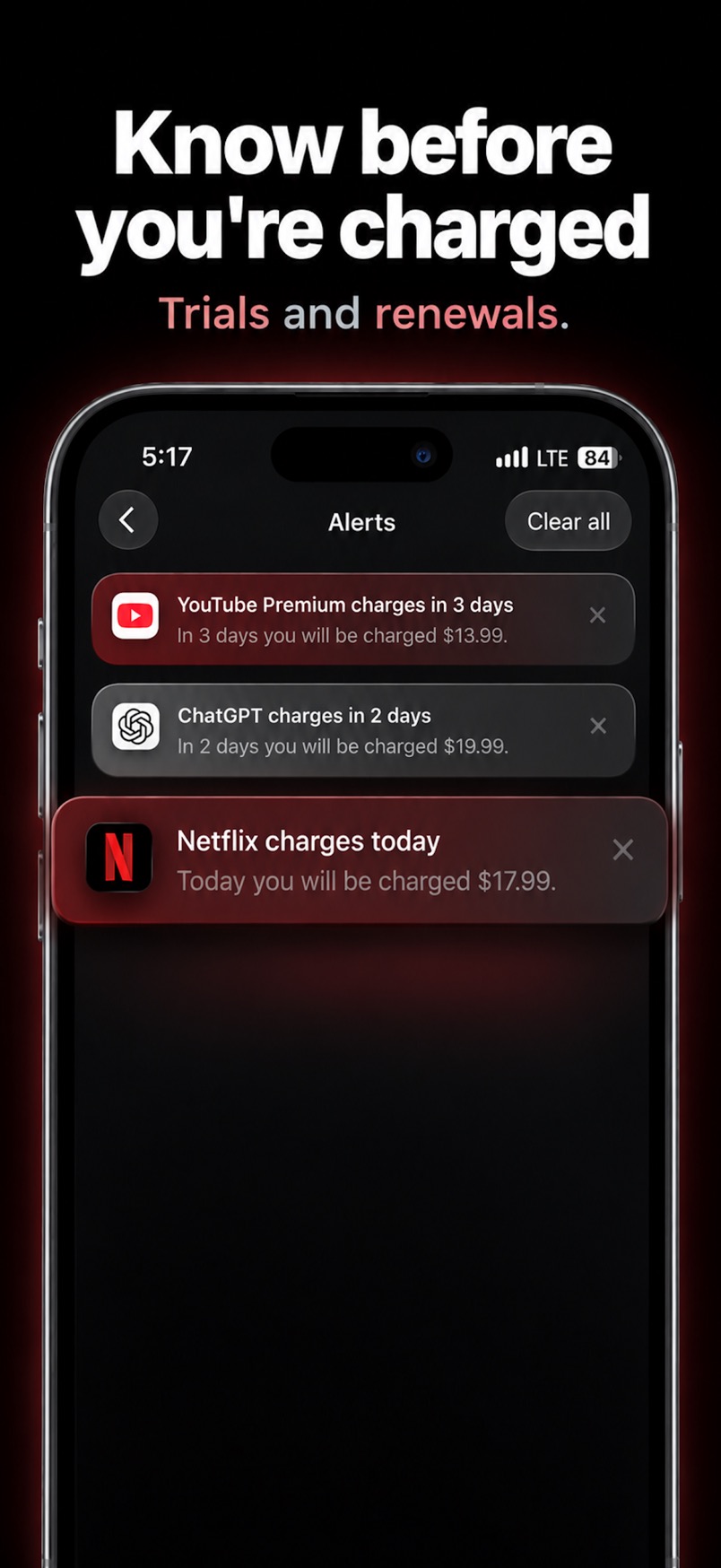
You can add the trial by hand, or start from a screenshot of your iPhone Settings subscriptions page. Subry also includes How to cancel help on each subscription. It does not log into your bank, and it does not cancel the trial for you.
Urgency labels such as “Charges today” and “X days left” show what needs attention first. A Home Screen widget can show upcoming bills without opening the app.
Get a reminder before the trial ends
Download Subry on the App Store, mark the trial, and choose how many days before you want the alert. Free to download. Requires iOS 26.

Frequently asked questions
When should I cancel a free trial so I am not charged?
For trials billed by Apple, cancel at least 24 hours before the trial ends. That wording is from Apple Support.
How do I cancel an App Store free trial on iPhone?
Settings → your name → Subscriptions → the subscription → Cancel Subscription. Scroll if you do not see the button. Red expiration text, or no Cancel button, means it is already canceled.
What if the trial is not in Settings?
Search email for an Apple receipt to see which account was used. No Apple receipt usually means you should cancel with the company that charged your card.
Can Subry cancel the trial for me?
No. Subry reminds you and includes How to cancel help. You cancel in iPhone Settings or with the billing company.